
North Carolina Jail Mugshots
Booking photos in North Carolina are local jail records first. The county jail takes the photo during booking, pairs it with the inmate profile, and decides how the public roster displays the record under state public-record law and local system rules. That is why a mugshot may be visible in one county, absent in another county, or removed when the person is released even though the underlying booking record still exists.
The statewide custody split matters. NCDAC is not the keeper of local jail mugshots, and the agency says it does not have access to county or city jail records. NCDAC records are for people in state prison or community supervision. BOP is federal. ICE is immigration. Courts show charges and case status, but a criminal case file is not the same thing as a county jail photo record.
The NCDAC offender-information page explains that state offender searches do not include county jail information.
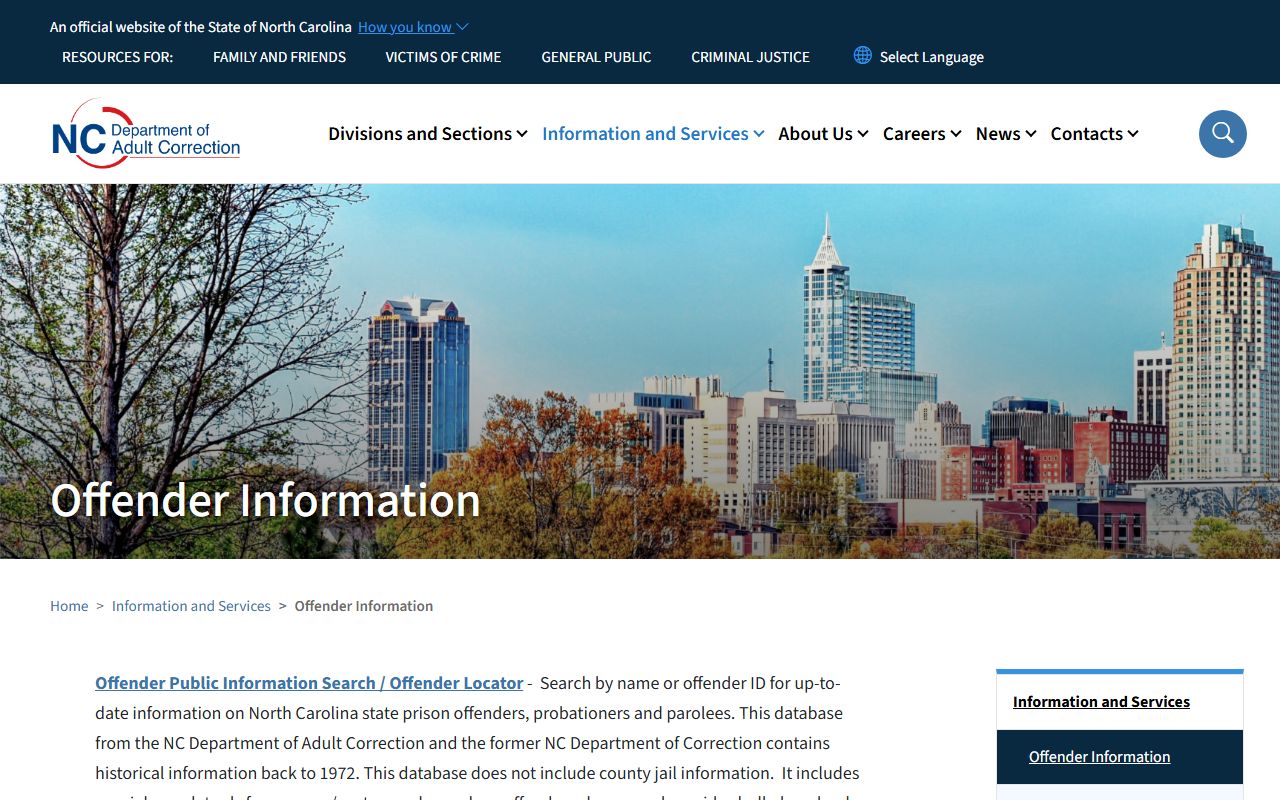
That warning helps prevent a common mistake: searching NCDAC for a mugshot that is only held by the county jail that made the booking.
Find North Carolina Booking Photos
The most direct path is the county jail roster. Start with the county of arrest or the county where the person was last known to be held. Then open the local roster and search by last name. If the county publishes photos, the image usually appears on the inmate detail page with booking date, charges, bond, housing, and release information. If no photo appears, do not assume no booking occurred. Some counties show only text fields, and some rosters drop released people quickly.
- Identify the county that booked or holds the person.
- Use the County Directory to reach the county jail search path.
- Search the roster by name, booking number, or recent-booking list where available.
- Open the inmate profile and look for the booking photo field.
- If the photo is not online, ask the county sheriff or jail records custodian for the public booking record.
The NCDAC Offender Public Information Search is useful after state prison admission, but it is not a statewide county mugshot search.
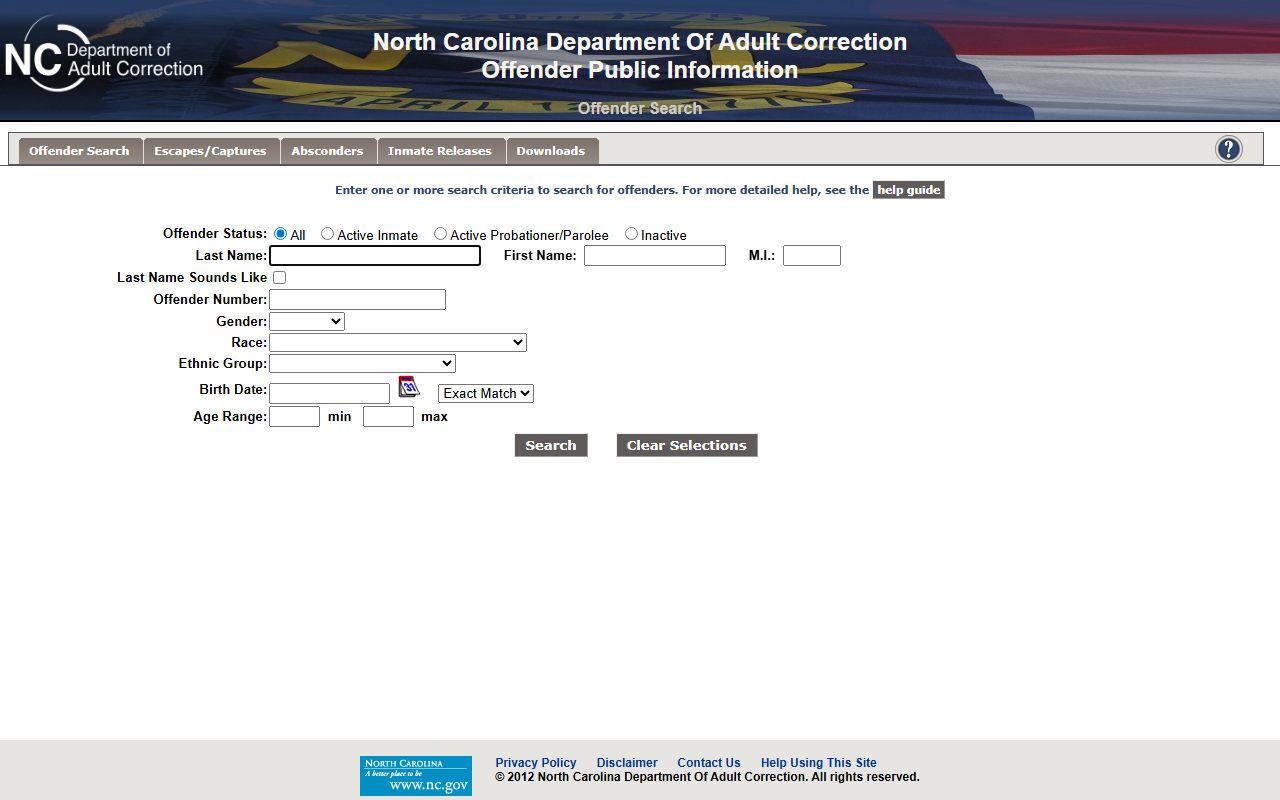
Use NCDAC when the person is in state prison or supervision, and use county rosters when the question is about a recent local jail booking photo.
What a Mugshot Record Shows
A public roster profile is not just a photo. It is a snapshot of a custody event. The exact fields vary by county, but most North Carolina jail records separate identity data from charges, bond, booking dates, and status. The photo is one field in a broader public booking record, and the court case may later show different charge wording after the prosecutor files or amends charges.
| Field | What It Shows |
|---|---|
| Booking Photo | The image taken during intake, when the county chooses to publish it online. |
| Name and identifier | The person's listed name, booking number, or local inmate identifier. |
| Booking date | The date or time the jail entered the person into custody. |
| Charges | Booking charges or hold reasons, which can differ from later court-filed charges. |
| Bond or release status | Release condition, bond amount, no-bond hold, transfer, or release entry where shown. |
| Facility | The county jail, annex, regional jail, or holding location connected to the profile. |
Booking-photo context should stay factual. A roster record means the person was booked or held. It is not proof of guilt, and it is not a complete criminal history. For the court path after booking, use North Carolina court records after a jail arrest.
Are Mugshots Public Records?
North Carolina Chapter 132 defines public records broadly, but law-enforcement records have special limits. G.S. 132-1 is the general public-record definition and policy. G.S. 132-6 covers inspection and copies. G.S. 132-1.4 treats criminal-investigation and criminal-intelligence information differently from ordinary public records. In practice, many public jail systems release basic arrest, booking, charge, bond, custody, and release facts while withholding investigative reports, witness statements, intelligence files, medical details, juvenile records, and security-sensitive material.
Key Statutes:
G.S. 132-1 defines North Carolina public records as materials made or received in connection with public business.
G.S. 132-1.4 limits access to criminal-investigation and criminal-intelligence records, which affects jail and police files.
G.S. 132-6 governs inspection and copies of public records.
The NCDAC public-records page is the state prison record route, not the county mugshot custodian.
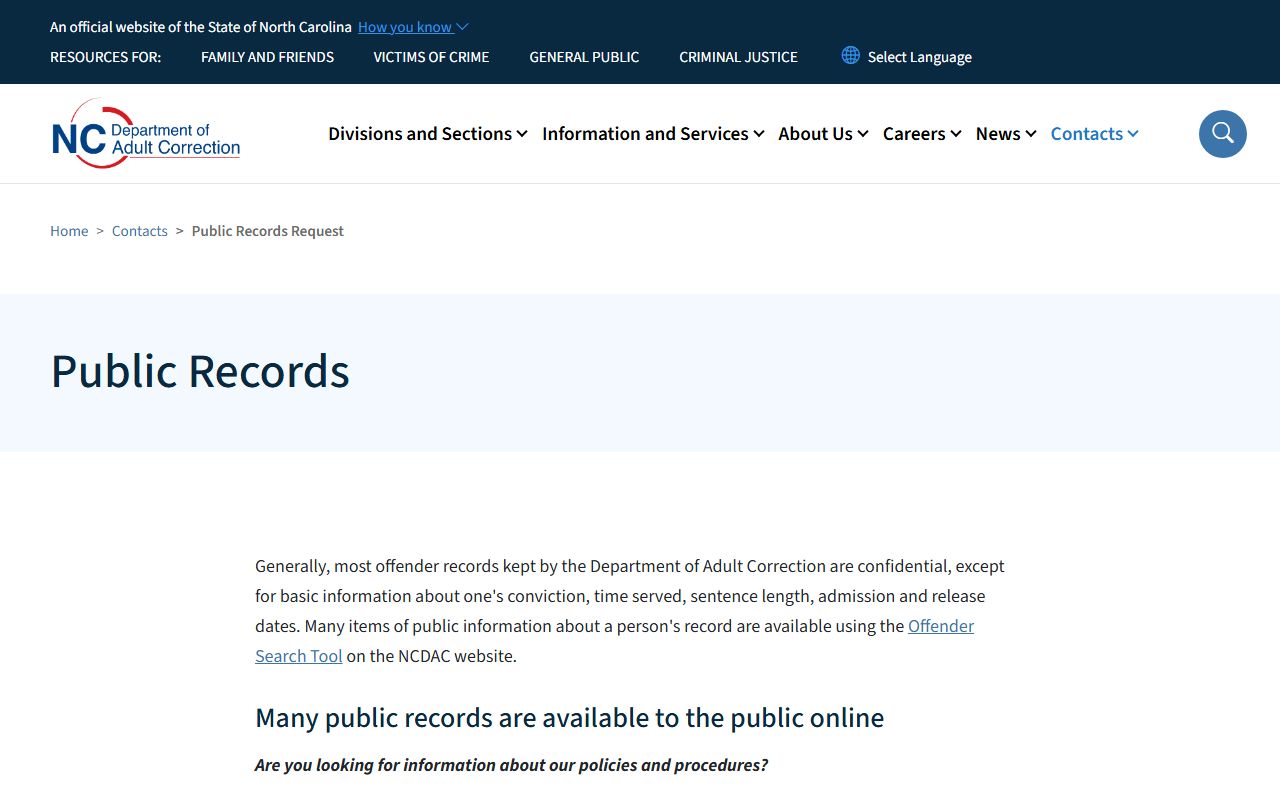
For a county booking photo, direct the request to the county jail or sheriff that created the booking record.
Request a Booking Photo
When a photo is not posted online, request the specific public booking record from the holding county. A good request names the person, approximate booking date, county, facility if known, and the exact record sought. Ask for the booking photo and basic booking sheet rather than an entire investigative file. Counties may redact or deny material that falls under law-enforcement, juvenile, medical, victim, security, or confidential-record limits.
Use the NCDAC online public-record resources page only for state prison and supervision records.
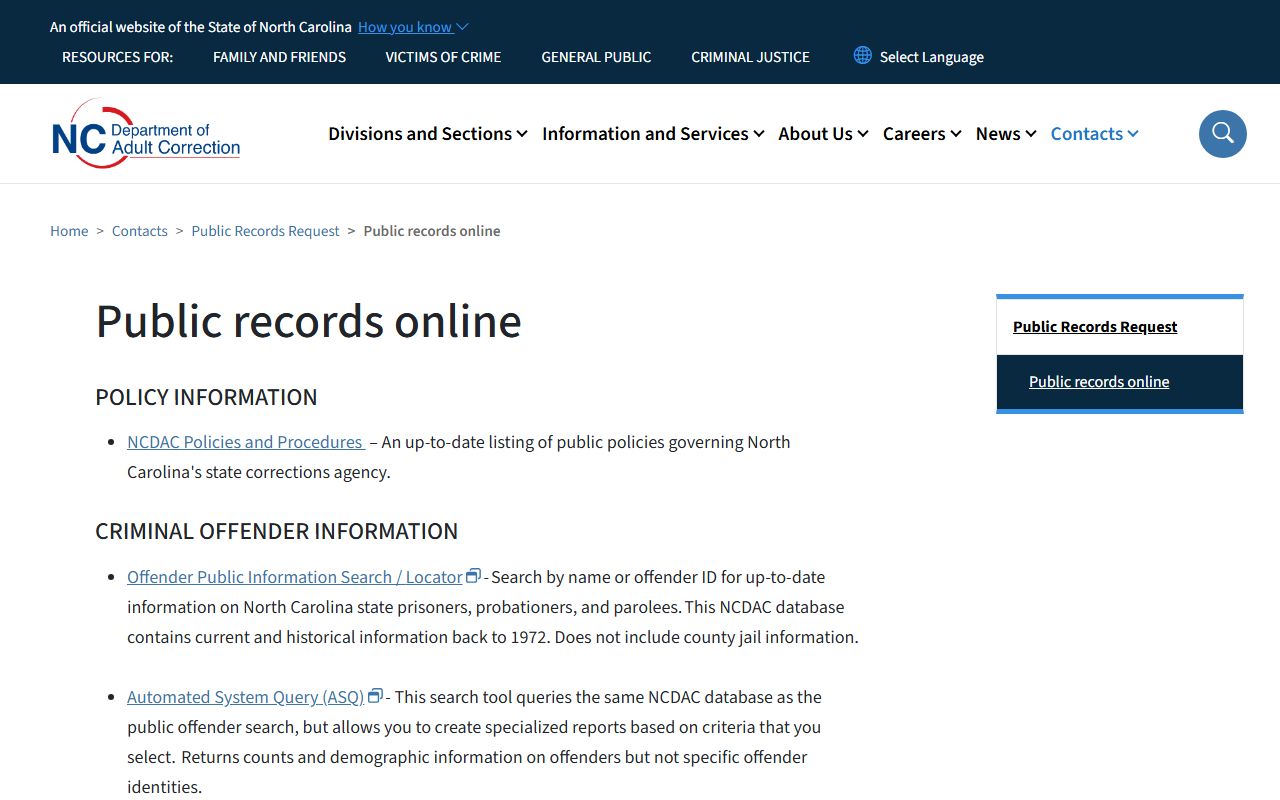
The state resource page is still useful because it routes users away from NCDAC when the needed record is a court file, local jail record, police report, or other county-held document.
What is and isn't public: Basic booking facts may be public, but active investigation files, intelligence records, juvenile records, medical data, and security details can be withheld or redacted.
How Long Photos Stay Online
Online retention is county specific. Some rosters focus on current custody and remove profiles after release. Others keep recent-booking lists or daily reports for a shorter public window. A photo can disappear from a roster while a booking sheet, arrest entry, court case, or local record request path still exists. The safest way to confirm a record is to check the roster, then contact the holding agency if the online result is missing or stale.
VINELink can help when the question is status rather than the photo itself. The North Carolina VINELink portal provides custody-status and notification access for jail, prison, probation, parole, and sex-offender records.
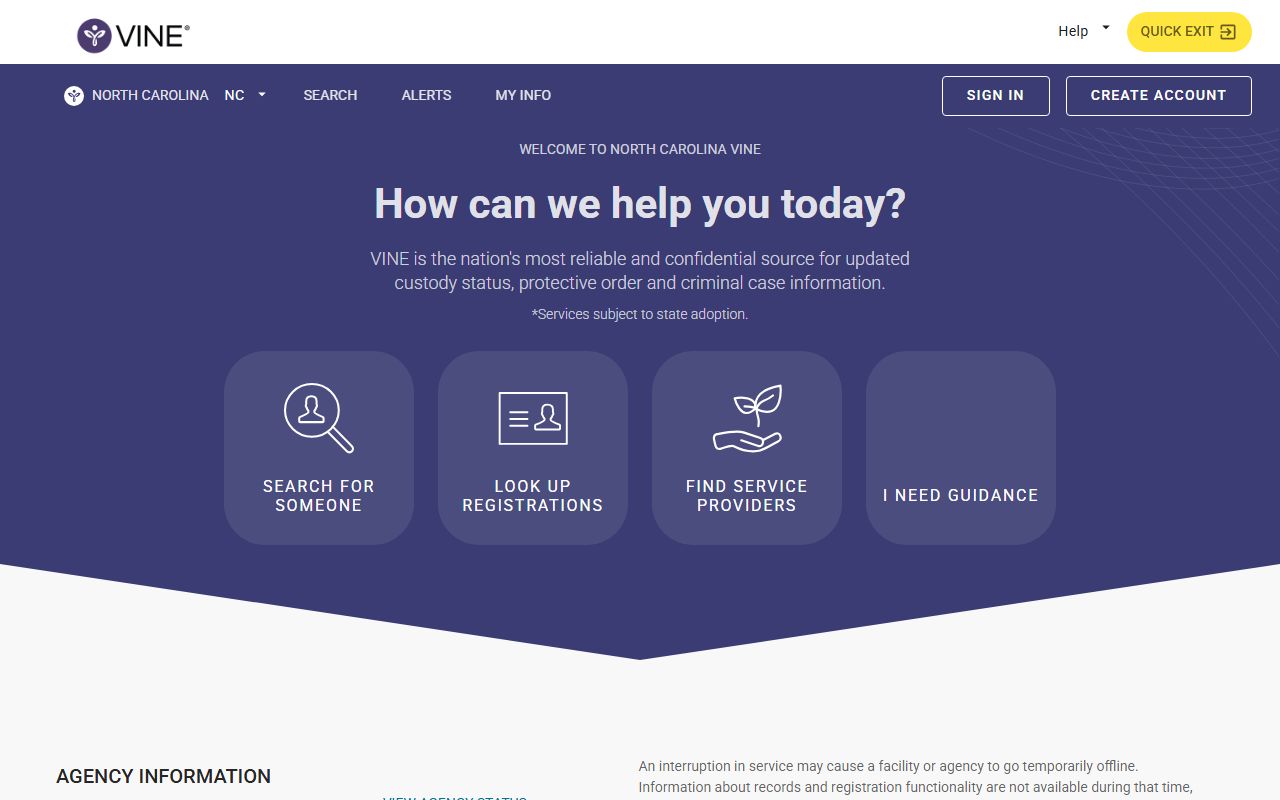
VINELink does not replace a county roster photo, but it can show custody movement when a person is released, transferred, or moved into another system.
Mugshot Removal and Expunction
North Carolina mugshot removal should be framed through official records, not commercial photo sites. If a criminal case is dismissed, expunged, or otherwise made nonpublic, the court and agency records process controls what official records remain visible. The route is the court record, clerk process, and the agency that published or maintains the booking entry. Do not pay a third-party publisher based on a promise that it can change the official county jail record.
A dismissal or expunction issue is a court-record question first. The eCourts Portal and clerk route can help confirm charge status, disposition, and case history. Jail records and court records may update on different schedules, so compare the jail profile with the court case before assuming a photo should remain online or be removed.
Prison and Federal Photos
NCDAC and BOP searches are not county mugshot galleries. NCDAC may publish offender identity and custody information for state prison and supervision records, while BOP publishes federal custody fields such as register number, location, and release date. BOP does not serve as a booking-photo source for county arrests. ICE ODLS is also a detainee locator, not a mugshot database.
| System | Photo Question | Best Next Step |
|---|---|---|
| County jail | Photo may appear on a local roster profile. | Search the county roster or file a county public-record request. |
| NCDAC | State prison records are separate from local jail mugshots. | Use the NCDAC locator for prison or supervision status. |
| BOP | Federal locator fields are not county booking-photo records. | Search BOP for federal custody and release information. |
| eCourts | Court records show charges and disposition, not a jail photo gallery. | Search court records after checking the roster. |
For roster fields and custody lookup steps, use North Carolina inmate records.